Documentation
Getting started
- Open an application from the desktop shortcut, the Start menu or by double-clicking a file. The File tab opens the Home screen with recent files and templates.
- Tabbed toolbar: Home, Insert, Layout, References, Review, View, Help. Press
Ctrl+F1to collapse it. - Save with
Ctrl+S; default formats are .docx/.xlsx/.pptx. Default font Times New Roman 13 pt (documents) and 11 pt (spreadsheets).
File formats
| Application | Opens | Saves |
|---|---|---|
| MORA Doc | .docx .doc .dotx .odt .rtf .txt .html | .docx .doc .odt .rtf .txt .pdf .epub |
| MORA Sheet | .xlsx .xls .xlsm .ods .csv | .xlsx .xls .ods .csv .pdf |
| MORA Slide | .pptx .ppt .odp | .pptx .ppt .odp .pdf |
| MORA PDF | .pdf .odg .svg | .pdf .png .svg .docx |
MORA Doc
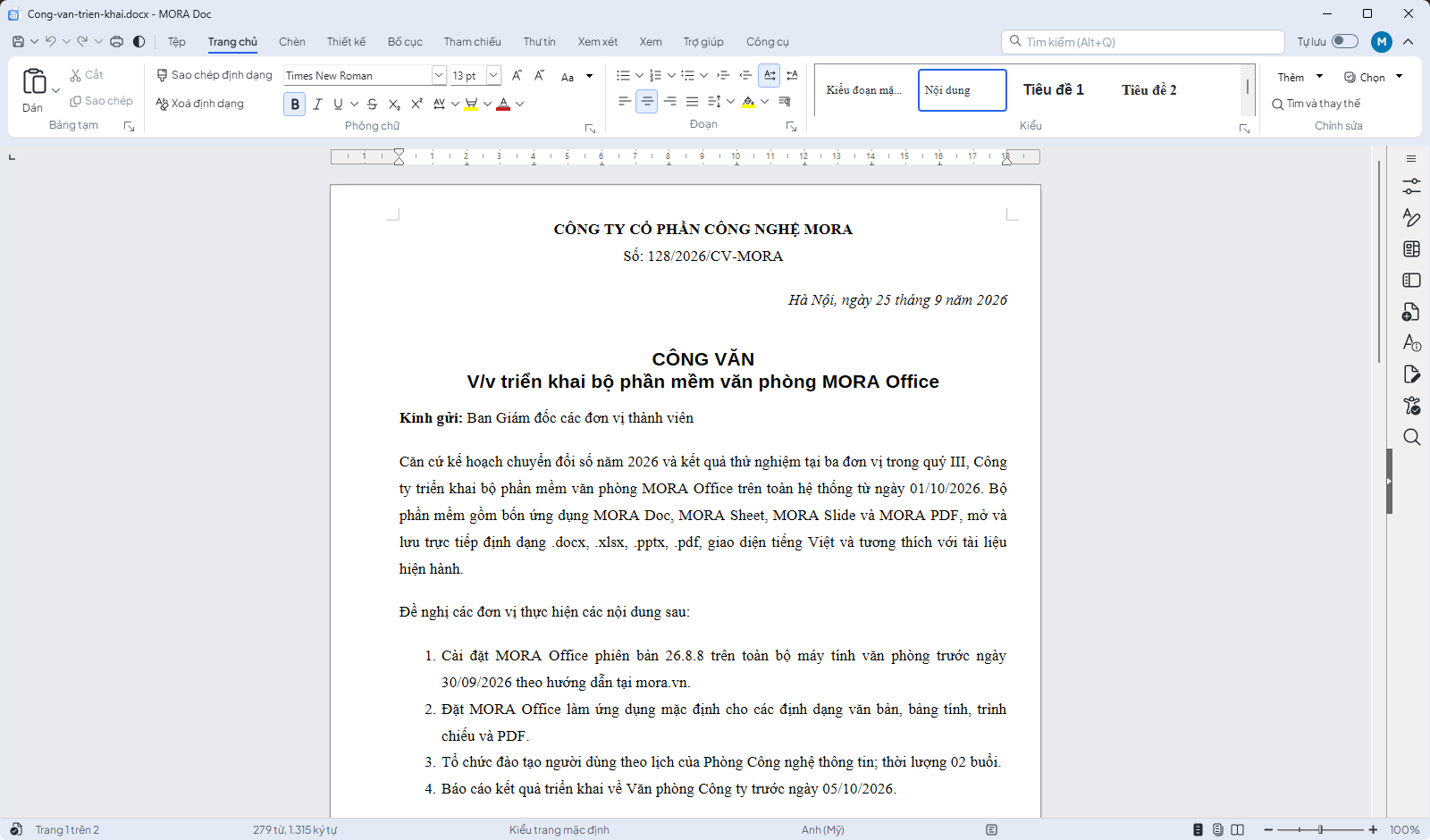
- Styles and automatic table of contents: References → Table of Contents.
- Track changes: Review → Track; comments:
Ctrl+Alt+C; compare documents. - Mail merge from a spreadsheet: Mailings → Mail Merge.
- PDF export (including PDF/A) and digital signatures: File → Export, File → Digital Signatures.
MORA Sheet
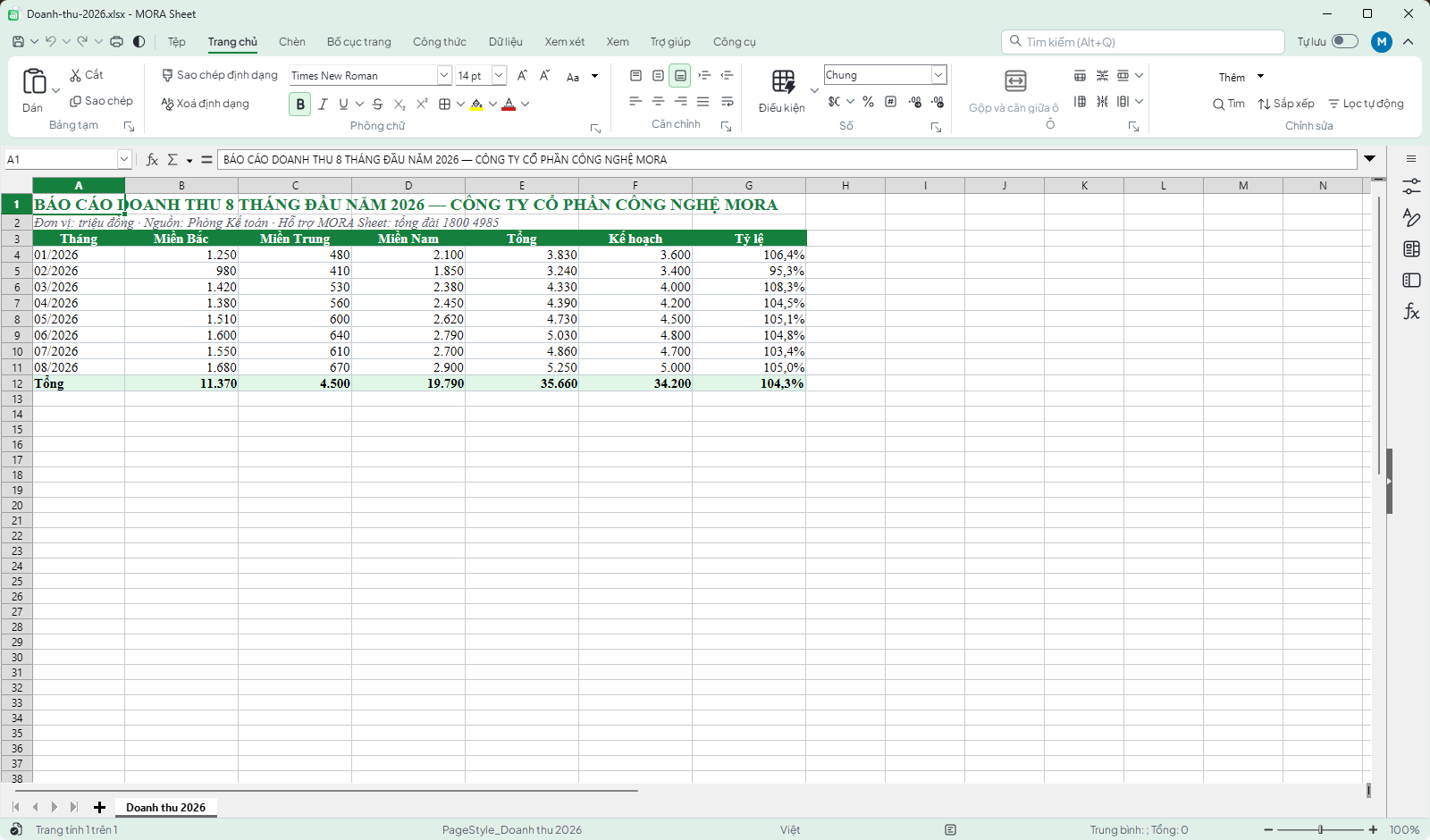
- Standard English functions (SUM, VLOOKUP, XLOOKUP, SUMIFS, INDEX/MATCH) with autocompletion.
- Move columns or rows by selecting the whole column and dragging its header; undo with
Ctrl+Z. - Pivot tables: Insert → Pivot Table; charts: Insert → Chart; conditional formatting on the Home tab.
MORA Slide
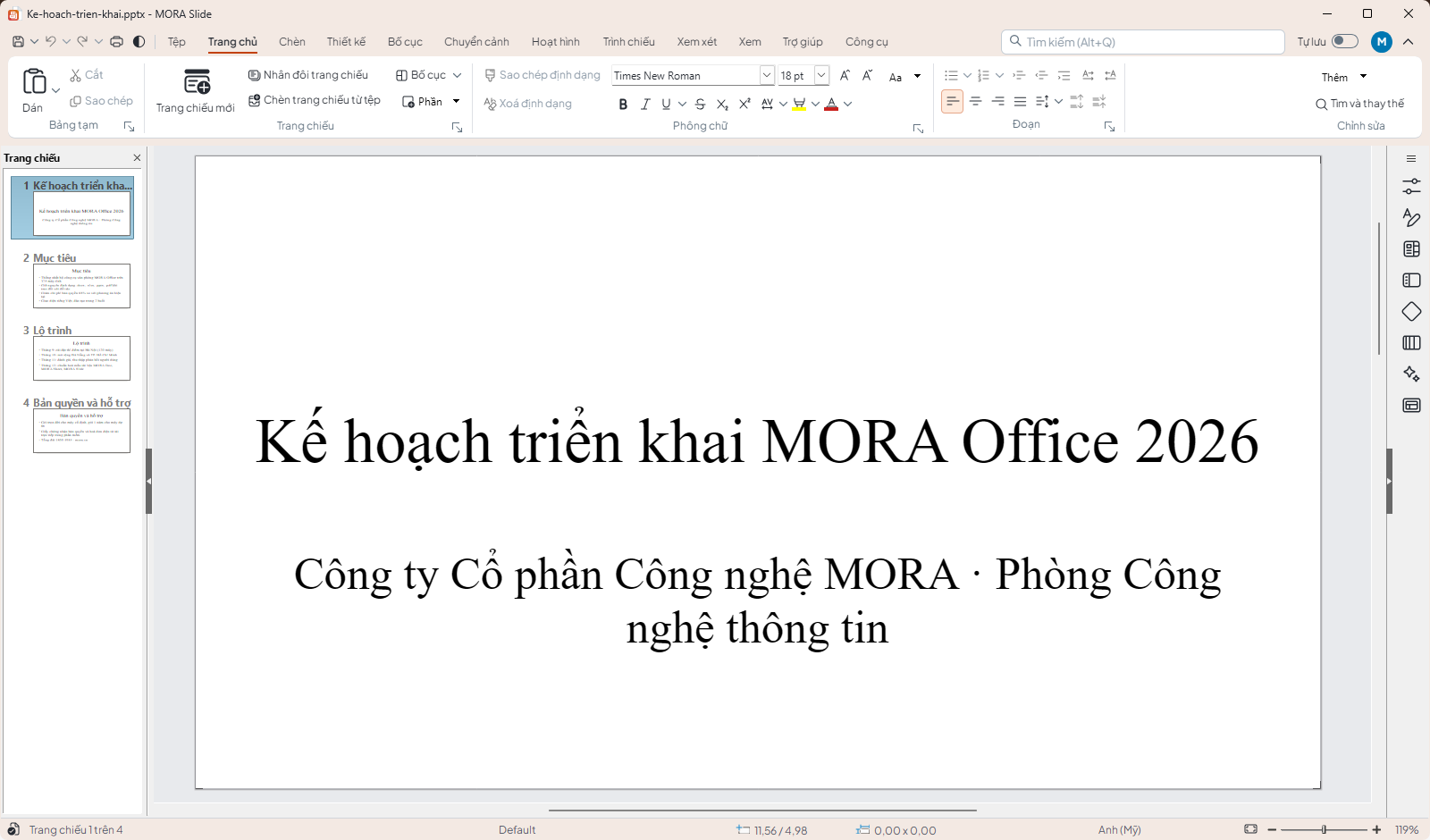
- Layouts panel on the right; masters under View → Master.
- Transitions and Animations tabs;
F5to present,Shift+F5from the current slide; presenter view on dual screens.
MORA PDF
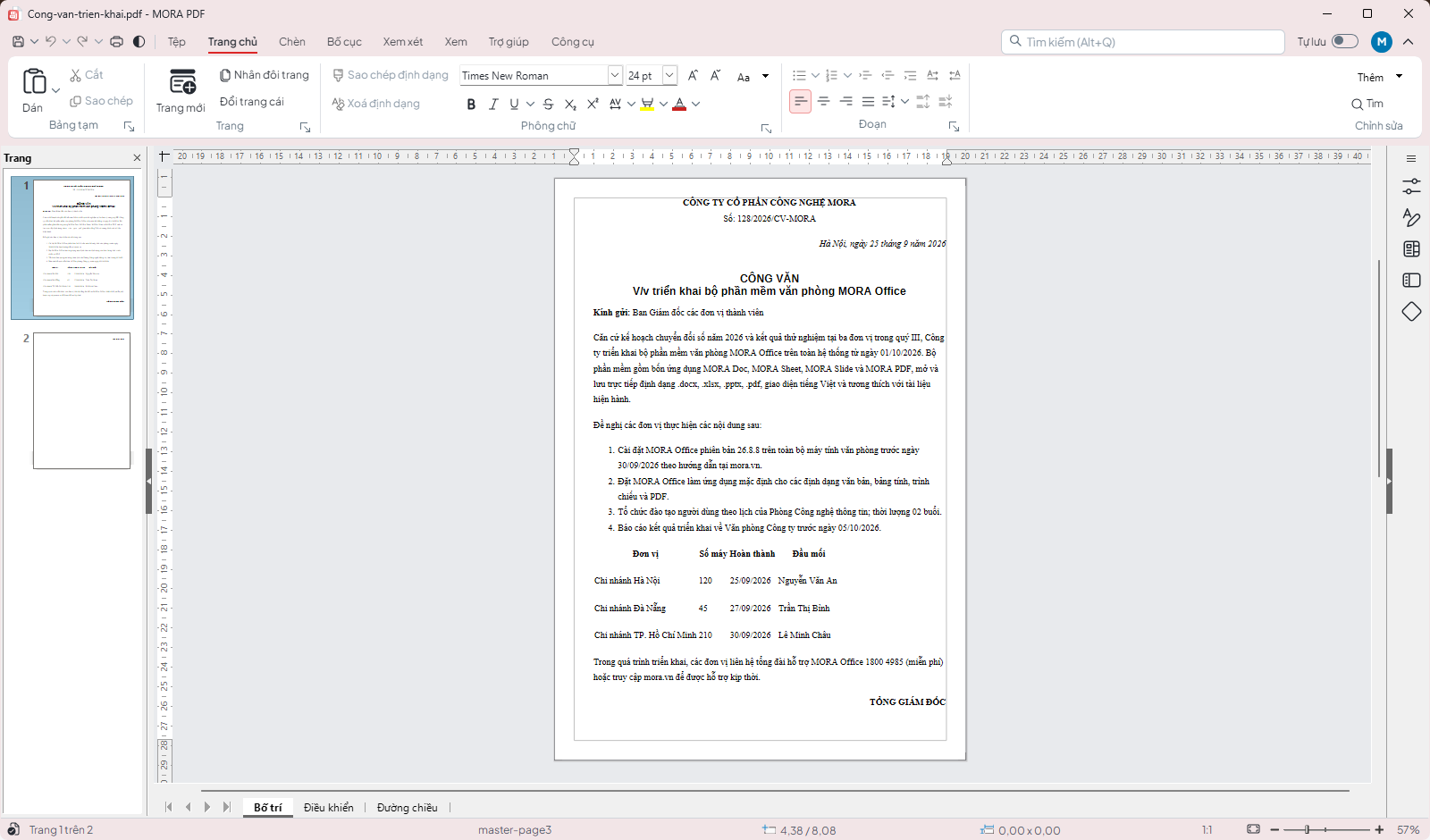
- Annotate, highlight, draw and add text; export with File → Export → PDF.
- Sign with organisational or personal certificates; convert PDF to text by opening it in MORA Doc with the "PDF – Text" filter.
Licensing
- Help → License shows current prices, lets individuals or companies (tax code lookup) buy by bank QR, and accepts license keys of the form
O3OY-…/O3OL-…. - After activation: Download certificate and Download invoice; verify certificates at office.o3o.vn/xac-thuc.
- Move to another computer with License → Remove from this computer, then enter the key on the new one.
Language and theme
The Vi / En button on the quick toolbar opens the language chooser with ten languages; the Light / Dark button switches the theme. The application restarts to apply the language.
Default application
Help → Set as default application opens the Windows Default Apps page for MORA Office directly, where one click assigns all supported formats.
Keyboard shortcuts
| Keys | Function |
|---|---|
| Ctrl+N / O / S | New / Open / Save |
| Ctrl+Shift+S | Save as |
| Ctrl+P | |
| Ctrl+Z / Ctrl+Y | Undo / Redo |
| Ctrl+B / I / U | Bold / Italic / Underline |
| Ctrl+F1 | Collapse toolbar |
| F7 | Spell check |
| F11 | Styles |